Try the studio.
- Record or upload your narration
- Shape an editable storyboard
- Preview the actual motion design
The independent video studio
Turn your voice, script, or rough idea into a film you can shape scene by scene.
01 / The process
02 / The studio
Build around your narration. Mix designed motion, real photographs, and a presenter who appears exactly when the story needs one.
03 / Pricing
Trial limits and purchase eligibility apply. Narration processing, optional generation, and exports may use credits. Check current rates and plan details in the studio.
48 seconds told without AI video generation.
An illustrative edit, not a price quote. Speech, other generation, and final rendering can also use credits. You review the actual cost in the studio.
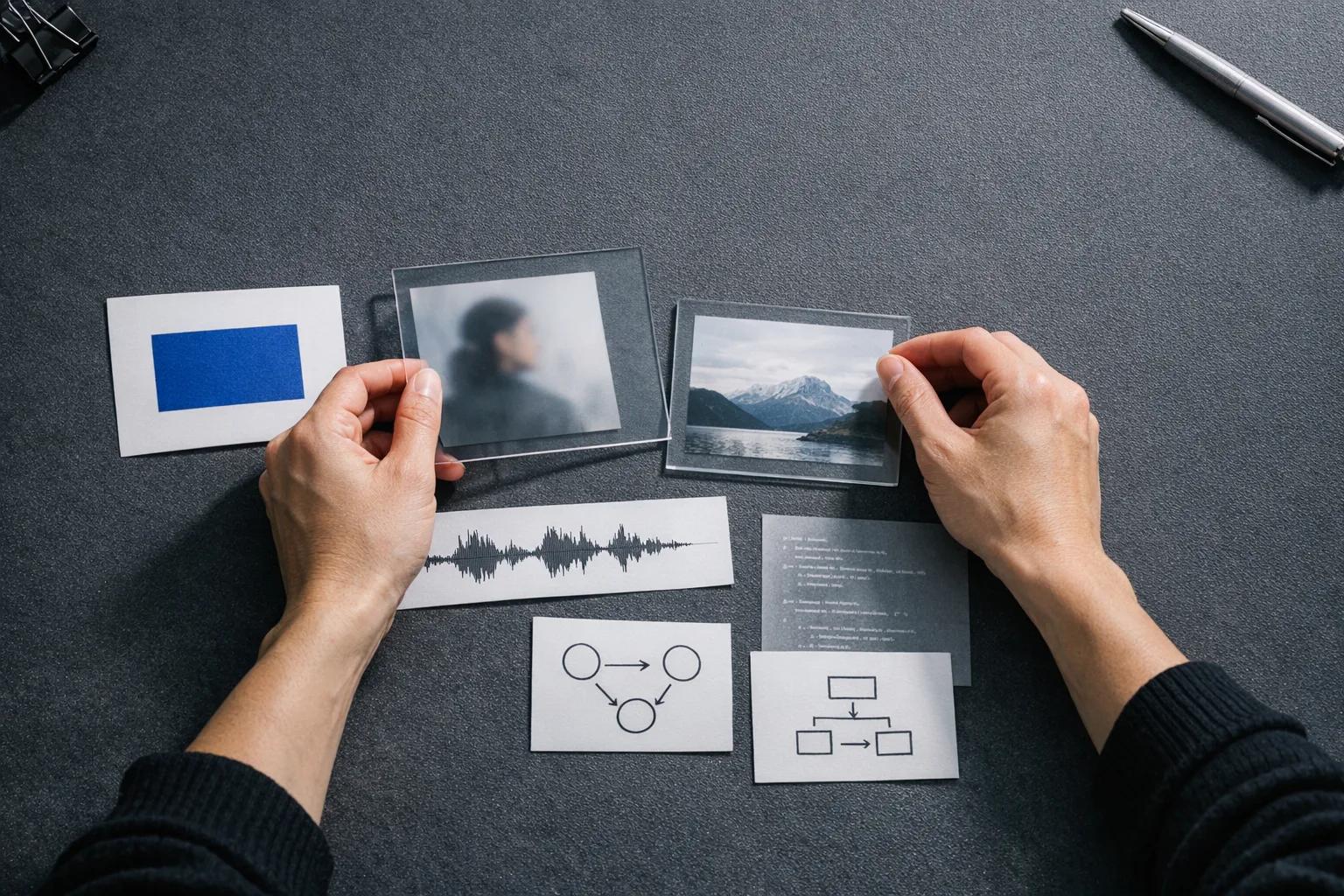
Telloa brings editable motion, your own media, sourced photography, and optional AI presenter or video clips into one narrated timeline. You choose the medium for each scene.
Record your own narration or create a voice clone with separate consent. You can also add your AI presenter to selected scenes after confirming you have rights to the reference. Availability depends on provider readiness. You’ll see the cost before you spend credits.
Start with audio, an idea, a URL, a document, or a script. Telloa helps build a storyboard. You can then change the typography, diagrams, media, and presenter placement scene by scene. Your narration keeps its original timing.
You can search Wikimedia Commons from the editor, review the source page and license, and add an image to a scene. Attribution travels with the image into the video and production assets.
A vertical 1080 × 1920 MP4 with synchronized captions and your original narration. You can also download production media, a transcript, SRT and VTT captions, and a source manifest.